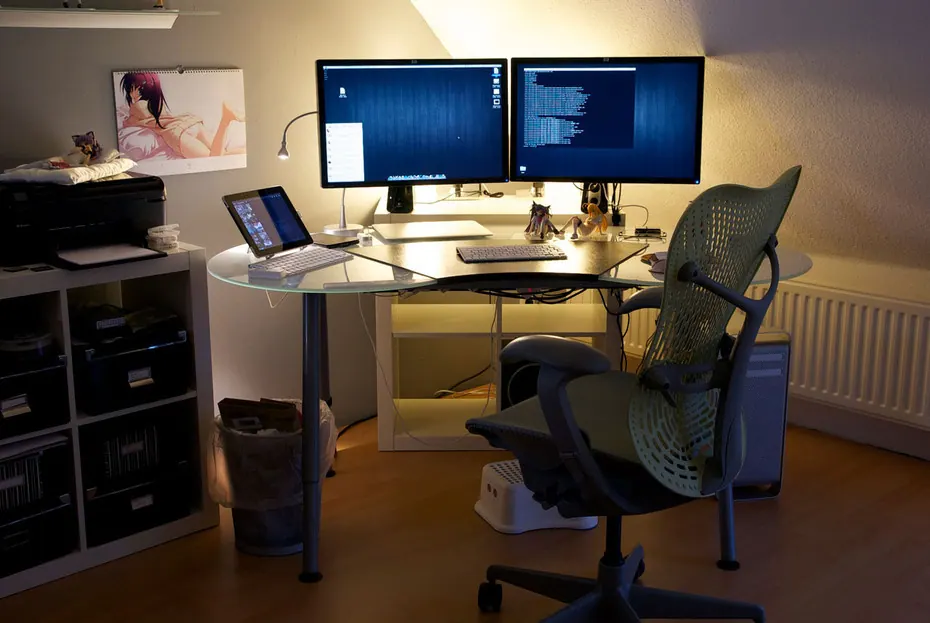
A home office can accumulate monitors, printers, speakers, networking equipment and chargers over time. Some need to remain available; others are powered simply because they have always been powered. Reviewing that distinction can reduce unnecessary demand without interfering with productive work.
Start with idle time
Check sleep settings and whether equipment actually enters them. A display left on overnight is a different issue from a computer completing an essential task. Configure power management according to the work and any organizational requirements. Save work and understand update or backup schedules before changing shutdown routines.
Size the equipment to the task
A lightweight document workflow and demanding graphics work require different hardware. When replacement is necessary, compare suitable devices rather than assuming the highest specification is always useful. External monitors and peripherals also contribute to the total. Repair and continued support can influence whether replacement is justified.
Keep comfort local where practical
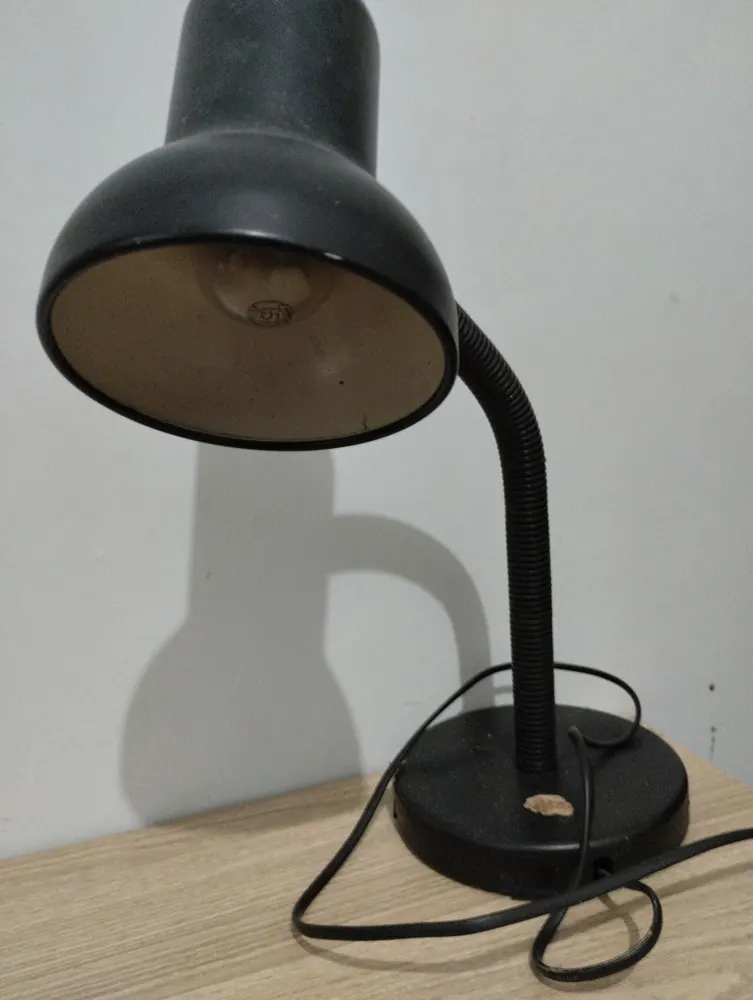
Lighting the desk well may be more useful than illuminating every corner at full brightness. Heating and cooling should consider occupancy and the building's system, without using unsafe improvised arrangements. Measure compatible plug-in loads if a particular device seems wasteful. Then establish a simple end-of-day routine for equipment that can be switched off. The best office energy plan supports concentration and reliable work while removing the background consumption that serves no continuing purpose.